
Shogun 2 Mods: Complete Edition Compatibility & Old Saves
Know which Shogun 2 mods work with Complete Edition, how Mod.io differs from the original game and how to preserve a modded campaign safely.
FAQ
Do Steam Workshop mods work in Complete Edition?
Did Complete Edition disable my original game mods?
Can I transfer an original Shogun 2 save?
Why does an original Shogun 2 mod not work in Complete Edition?
It targets a different edition. The official Complete Edition FAQ explicitly says original mods are incompatible with the new release. Complete Edition uses Mod.io. Copying a legacy mod pack into the new game is not a supported conversion.
This does not mean your old library has disappeared. The same FAQ says the original game remains playable and its mods remain unchanged. If you mainly bought the upgrade for fresh campaign starts, keep both editions and use the right mod environment for each. The edition comparison explains which storefront bundles include the legacy game.
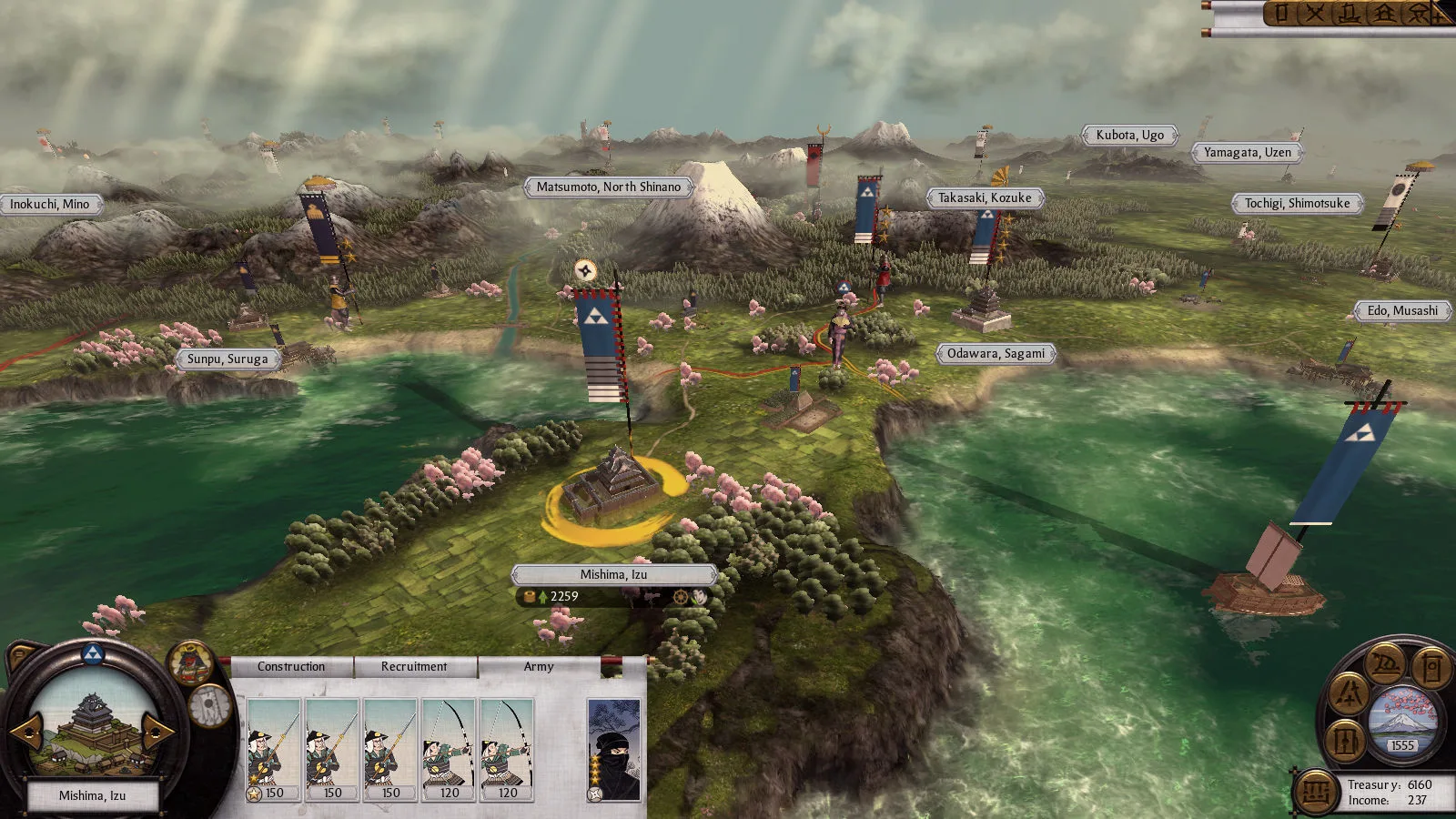
Classic-game interface, Creative Assembly / SEGA via Steam. This identifies the legacy environment; it does not show a mod installation.
What should you check before installing a mod?
| Check | Original game | Complete Edition |
|---|---|---|
| Edition named by the author | Original / legacy Shogun 2 | Complete Edition |
| Distribution channel | Existing original-game ecosystem, including Workshop | Mod.io according to the official FAQ |
| Required expansion | Match the campaign and DLC named by the author | Match the edition-specific listing |
| Dependencies and conflicts | Follow the original mod documentation | Follow the port’s own documentation |
| Continuing a save | Preserve the mod configuration used to create it | Confirm support with the mod author before changing that configuration |
A listing with a familiar name does not prove it is a port. Check its supported edition, update date and installation notes. Avoid a blanket “best mods” list that treats original and Complete Edition files as interchangeable.
The developer’s change list includes more than cosmetic changes: fatigue handling and specific unit bonuses changed. An overhaul author may need to account for those mechanics as well as the interface. Our army composition guide marks its classic scope for the same reason.
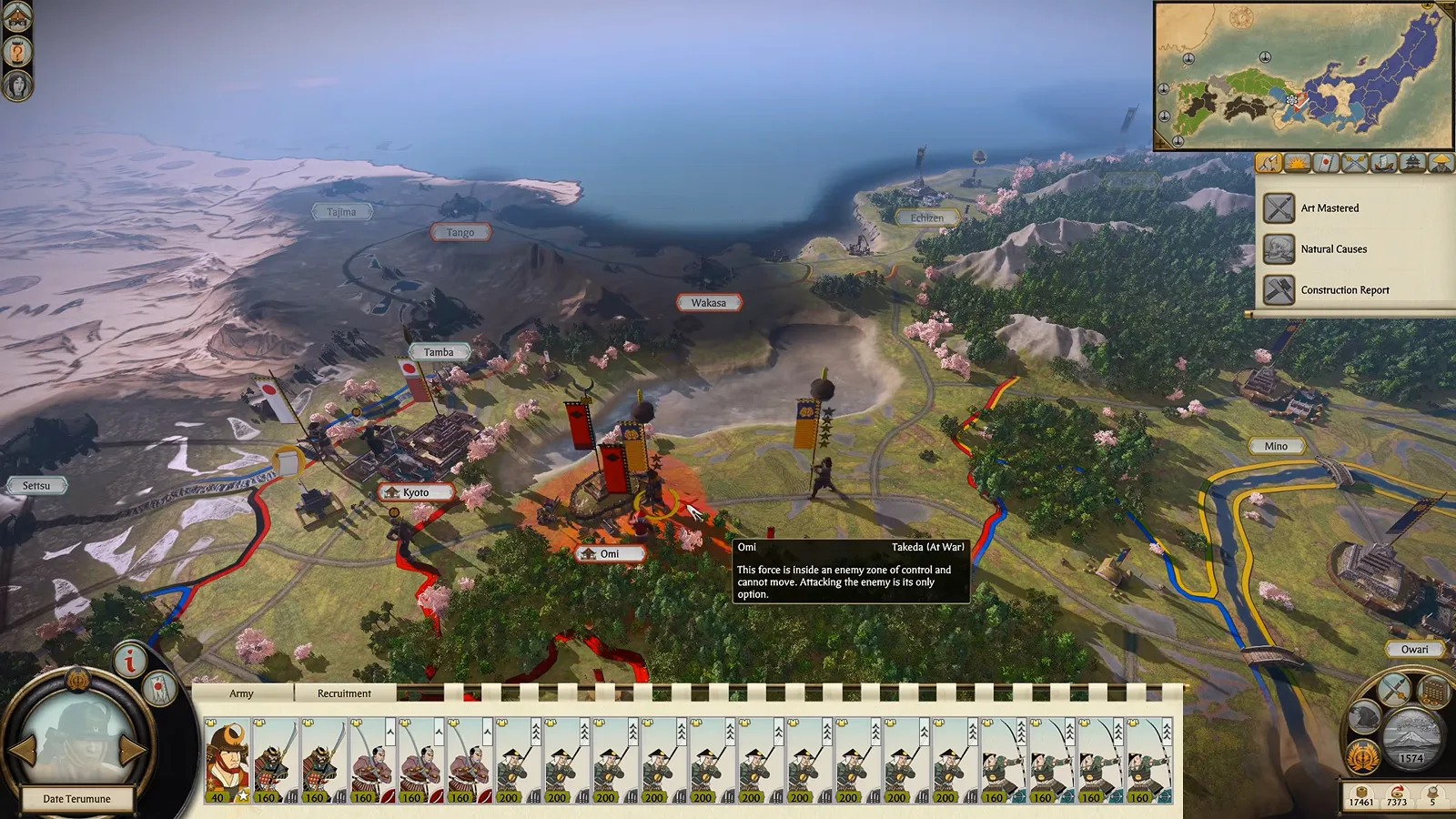
Complete Edition environment, official overview at 8:25. The image illustrates the new interface, not a successfully loaded mod.
How do you preserve an existing modded campaign?
Before a change, save a copy of the campaign through your normal platform backup method and record the active mod list. Include the edition, mod names, versions where available and load order. Store screenshots or a plain text list somewhere outside the game’s installation directory.
Then keep the original configuration available. Do not uninstall the original merely because the Complete Edition shortcut is now in your library. Do not load your only save after removing a mod that changes factions, campaign scripts or units: the author may require a fresh campaign.
Save transfer is unconfirmed here. The official FAQ checked on 14 October 2026 does not establish cross-edition compatibility. We therefore do not promise that an old save can be moved, nor invent an unsupported rollback branch or a fixed save-folder location for every platform.
How should you isolate a conflict?
- Identify the executable. Check that you are launching the edition your mod supports.
- Read the mod’s requirements. Confirm its campaign, dependencies and current supported version.
- Protect your saves. Make a separate backup before changing the active set.
- Try an unmodded new campaign. This distinguishes a basic game/install problem from the existing mod setup. Keep the modded save out of this test.
- Add documented dependencies first, then one mod at a time. Use a new test campaign unless the author explicitly supports save changes.
- Report reproducible evidence to the author. Edition, mod set, error message and the last successful step are more useful than “it crashes.”
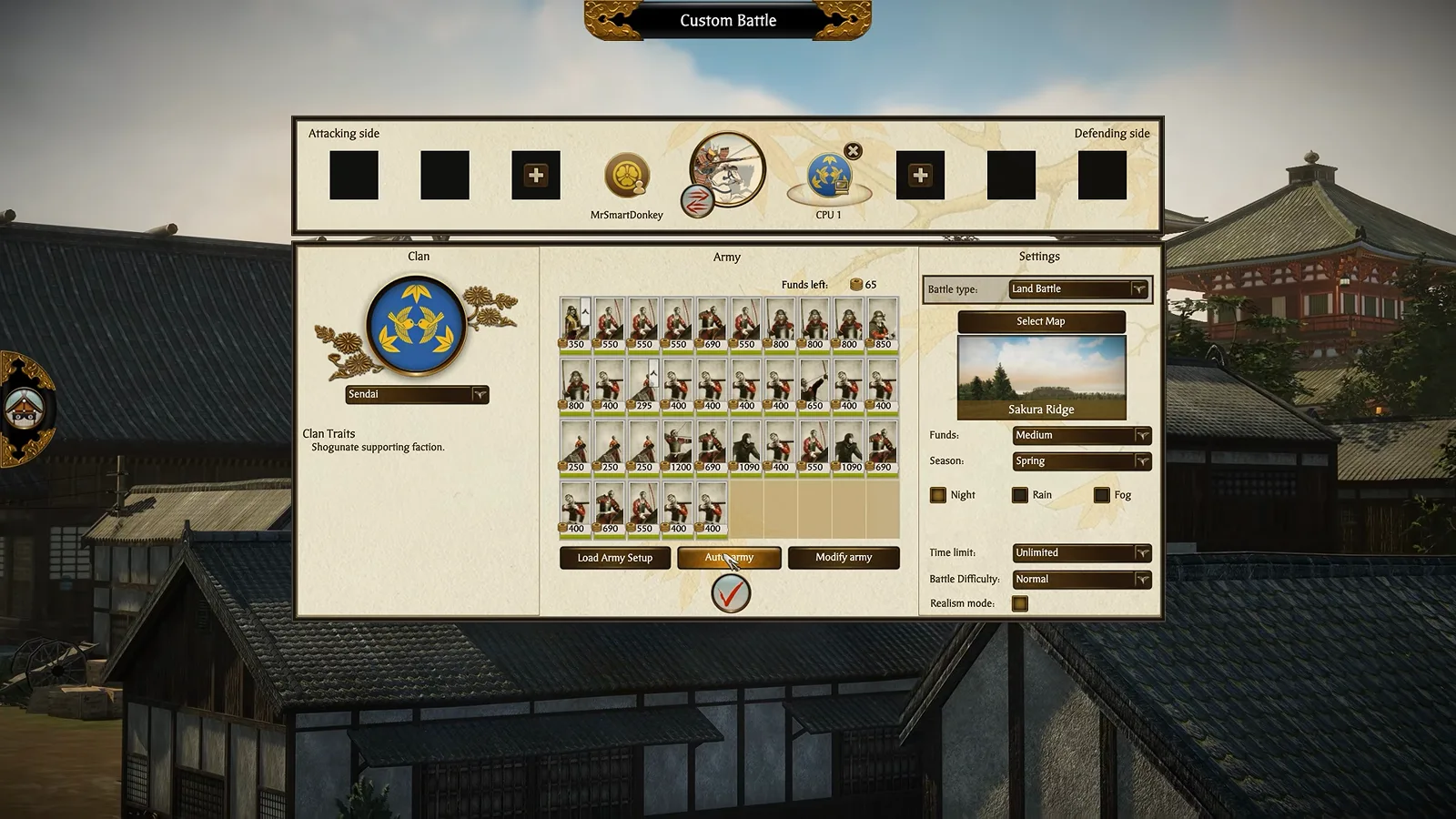
Custom battle setup, official overview at 7:45. A new unmodded test should remain separate from your ongoing campaign.
If the game works without mods but fails after a particular addition, stop adding more. Preserve that small failing set so the author can investigate. A clean beginner campaign is a useful control; changing Realm Divide settings is not a substitute for fixing an incompatible mod.
Related Articles
clans
Shogun 2 Complete Edition: All 54 New Playable Clans
Find all 54 newly playable minor factions in Shogun 2 Complete Edition, grouped by campaign, with the official list and clear selection guidance.
guides
Shogun 2 Complete Edition: Price, Discount & Is It Worth It?
Compare Shogun 2 Complete Edition with the original: price, Steam loyalty discount, all three campaigns, new features and mod compatibility.
Was this helpful?
Thanks for the feedback!